
To import a budget into PERFECT FIT, go to Menus > Ledger > LEDGER >Import Budget.
Create a spreadsheet with the following columns and format. Save as a tab-delimited .txt file.

On the Import Budget window, click Import and find your recently created .txt file.
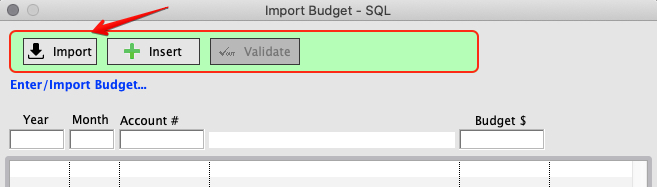
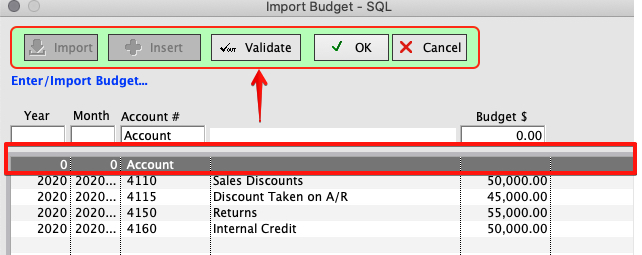
Once loaded your list will appear as below. Click Validate.
The header information will disappear and it will be ready for import.
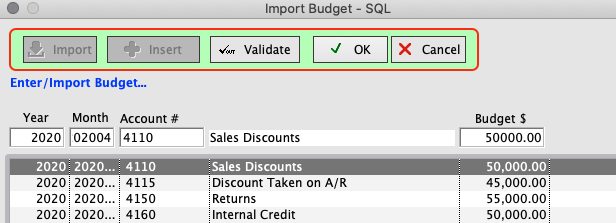
After Validation, Click OK. The budget will be imported into PERFECT FIT.
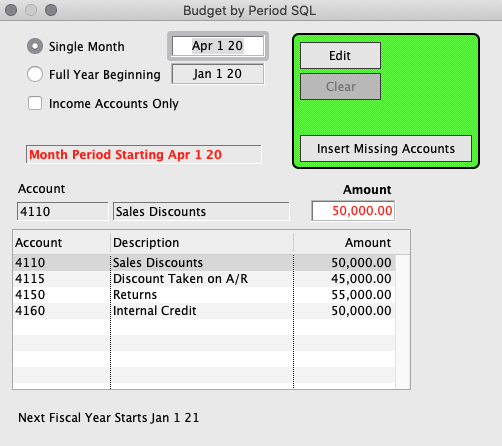
You can see your updated budget on the Budget Window at LEDGER > Budget.
Inserted 3/27/20 by SH