Walk-In Sale Receipt
Some printers do not print the header of the receipt.
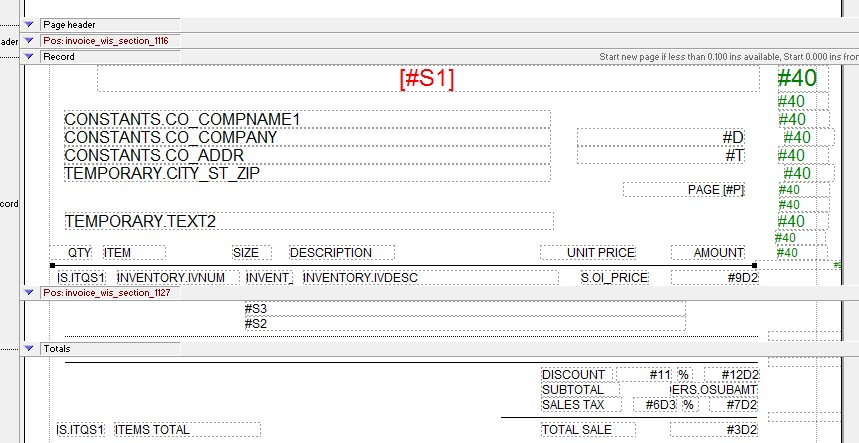
Using the Form Editor, this technique puts the header data into the record section, so it can print as part of a record section.
Make the Record section large.
Move the Header fields and labels into the Record Section
Collapse the header section
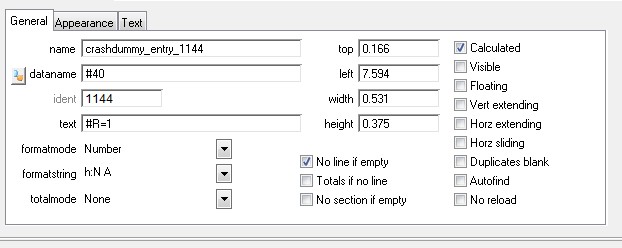
Add a field, #40, to the right edge of the new “header” lines.
Make it Calculated, #R = 1, No line if empty, and invisible.
These lines will now print only for the first record.