
The Raw Materials Inventory Locations module allows you to store inventory in multiple locations. i.e. Warehouse Parts 1, Warehouse Parts 2, a retail location, and so on.
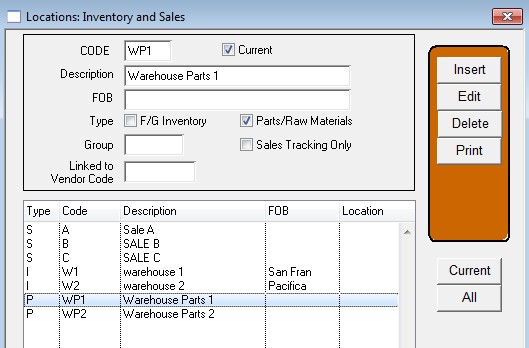
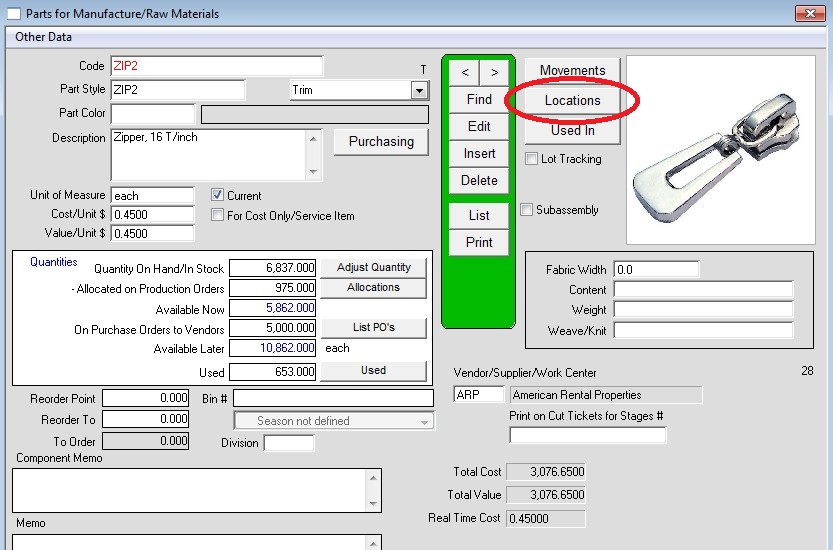
With the Raw Materials Inventory Locations module you get to see at a glance how much inventory is in each location, or a total for all locations. You do this via the locations
button.
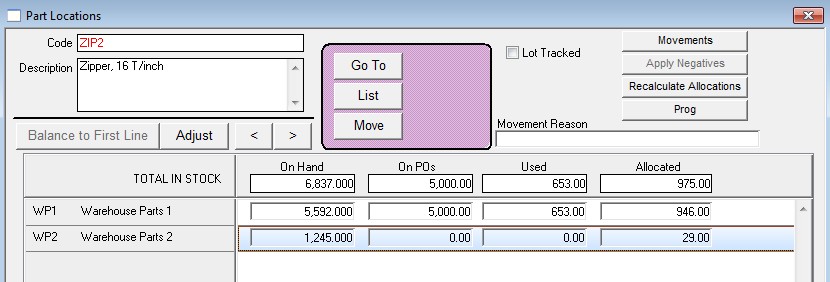
The Parts Location Quantities window shows all locations at once. It also shows the quantity on PO’s, Used, and allocated at each location.
You can transfer inventory between locations or make inventory adjustments to selected locations.
Reviewed 08-17-2026 by AG