
These are the functions that should be done on a regular basis.
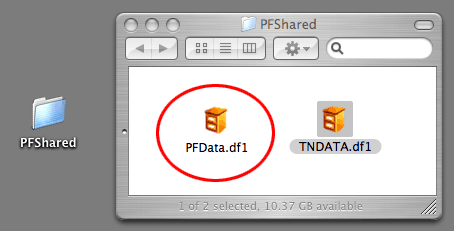
1. Backup (Daily)
Copy the PFData.df1 file to an external device.
2. Diagnostics (Weekly)
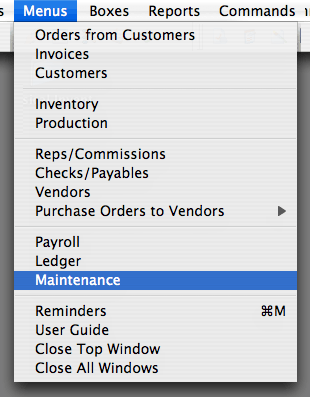
Select Complete Diagnostics.
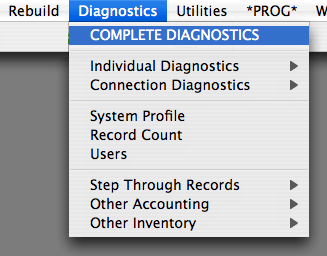
3. Month End Inventory Reconciliation (Monthly)
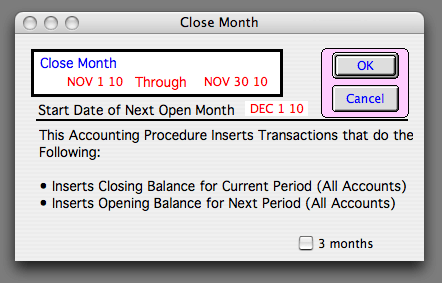
4. Accounting: Close Periods (Monthly or Quarterly)
Even if you do not use PERFECT FIT for your accounting, you should do this step.
It prevents date errors during data entry.
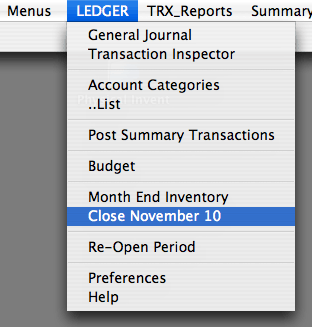
Note the checkbox option for closing 3 months at a time if you do this quarterly.
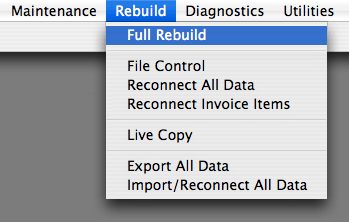
5. Full Rebuild (Every 6 months)
This optimization routine assures that the data file runs at top speed and has no corruption.
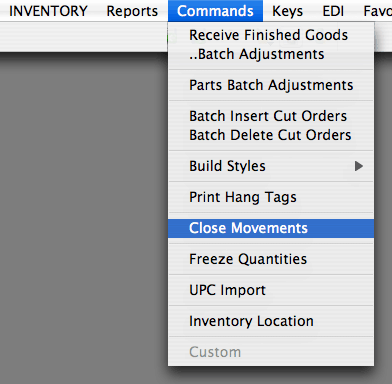
6. Close Inventory Movements (Annually)
The timing of this in not very important, and this could be done every 2 years.
There is no reason to keep old Inventory Movements, and closing them makes the Movements window open faster and easier to read.
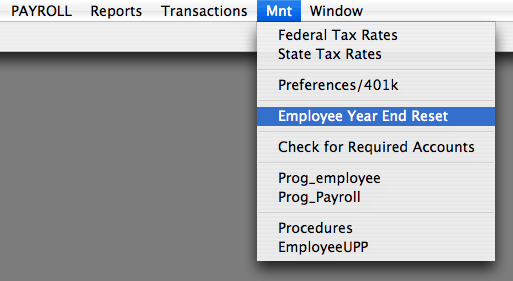
7. Payroll, Year End Reset (Annually)
After paying the last paycheck of the year, and before entering payroll for the next year, run this procedure under the Payroll > Maintenance window.
It prepares the employee records for recording new Year-To-Date amounts for tax calculations.
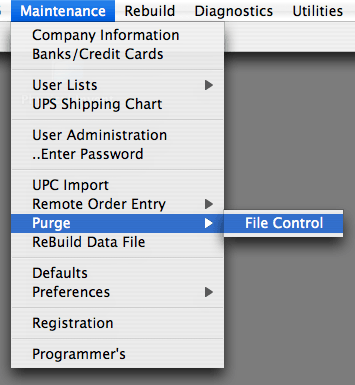
9. Purge (Every 5 – 10 years, or as needed)
Revised 11/8/2016 – SV