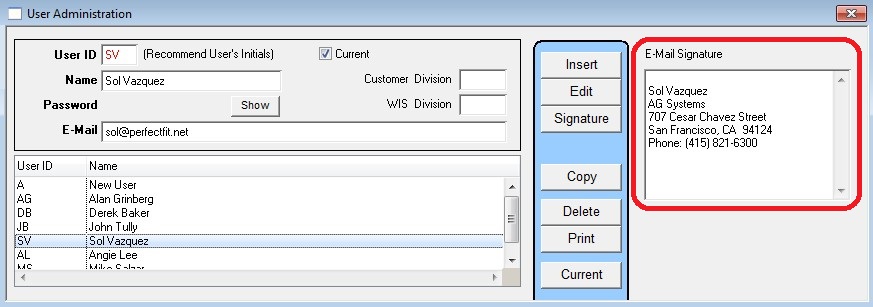
To insert a signature when sending an email:
Customers > People > Email > Signature
The first time you click the Signature button you’ll get the following prompt:
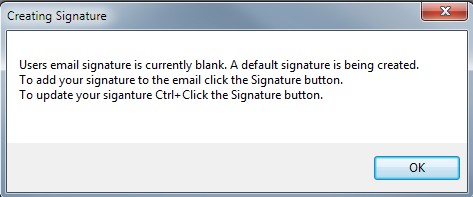
Click OK at the prompts and a default signature will be added to the email.
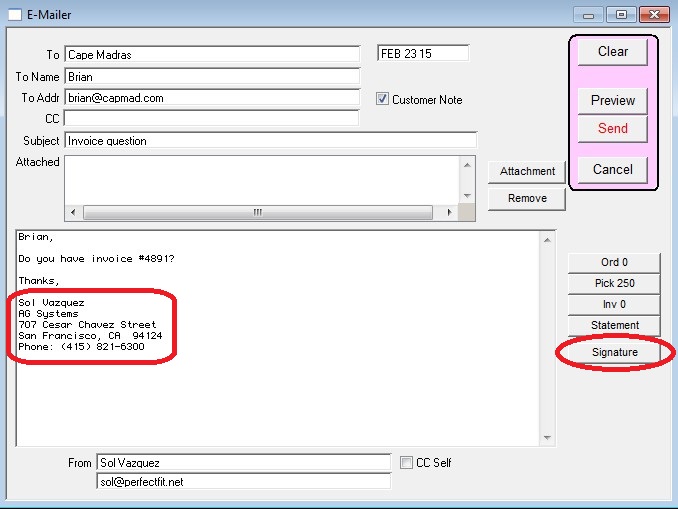
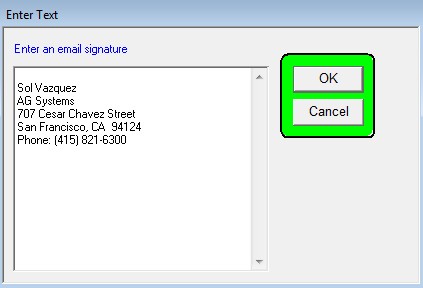
To edit the signature hold down the Cntrl (or Apple key on Mac), and click the Signature button again.
Note: Additionally, you can edit the signature through the Security Module (requires Security Module purchase).