
Form Editor
Change the text in a label:
Double click the label object.
A small edit window will open and you can change the text there.
When done click outside of the edit window to close it.
Delete a label
Single click the label
Use the Delete key on your keyboard.
Make a new label.
Ctrl-Drag and existing label to a new location.
Edit the new label.
OR
Single click on the text icon at the top.
Use the mouse to draw a new field where desired.
In this case you may need to set the Font and Size to match the rest of the form.
Screen shot shows alternative way of change the text:
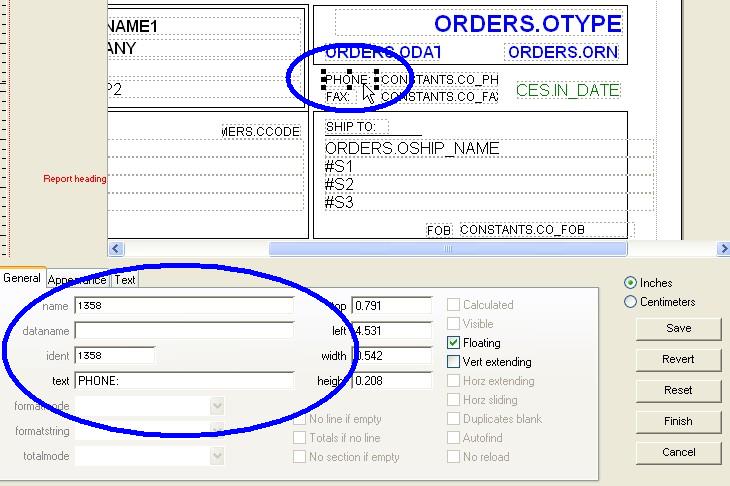
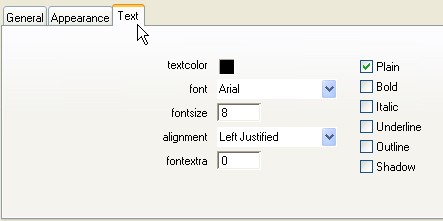
Font settings can be altered via the Text tab.
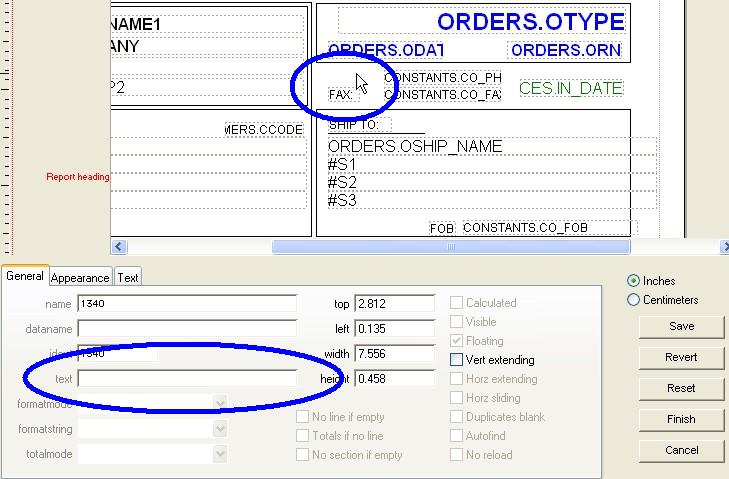
To delete a field just select the desired field and press the “Delete” key on your keyboard.
Modified 08-24-2026 by AG