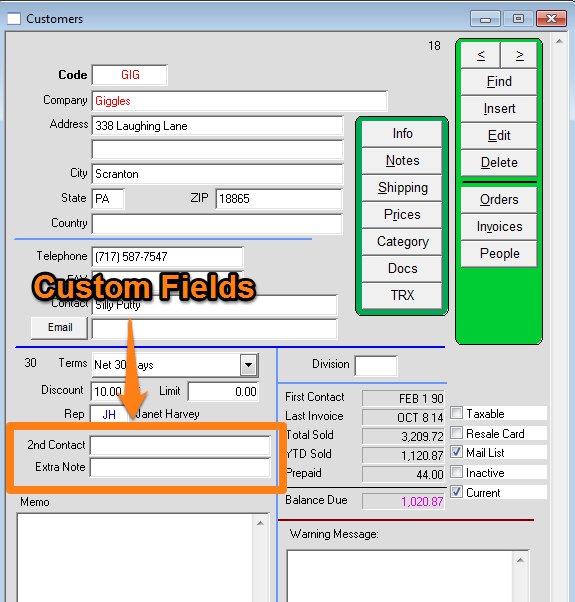
You can add up to 3 custom fields on the customer window.
To add a custom field go to:
Menus > Maintenance
Maintenance > Preferences > Customers.
Click Edit, then locate the fields below (12-14 here, but the number may differ in your version).
Enter a label name for each field that you want to display.
This example shows 2 custom fields in use, but you can use up to 3.
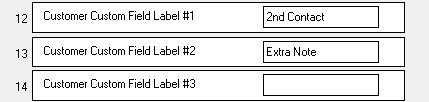
Click OK after you have entered your label names.
Then go to the Customer window and you will see the additional fields.