
MenusSQL>Orders from Customers>Pick>Bill of Lading

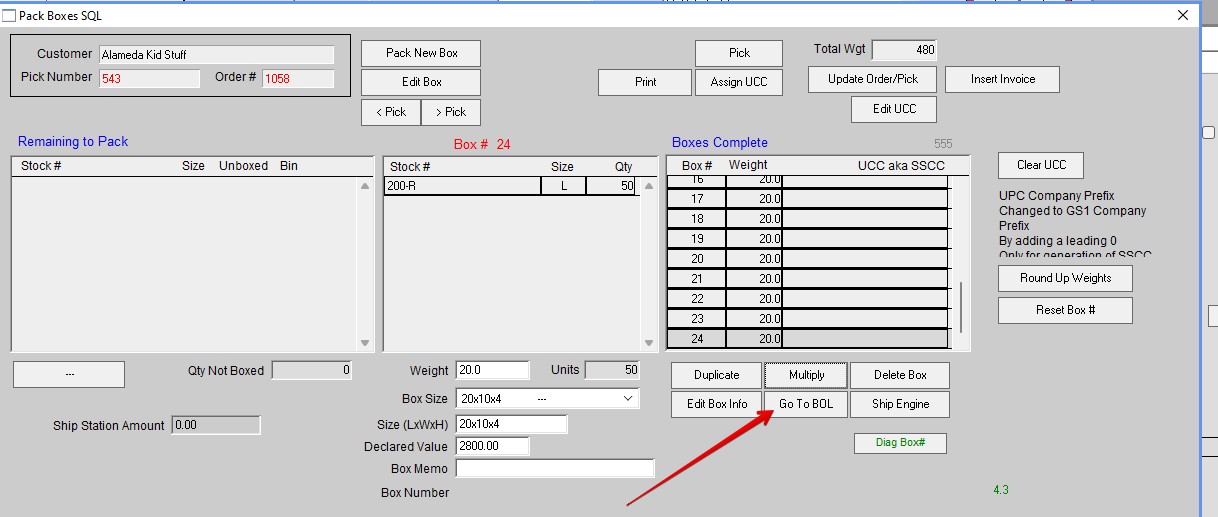
There is a shortcut to this feature in the pack boxes window (See Red Arrow).
Go to https://help.perfectfit.net/knowledgebase/pack-boxes/ for more information about Packing Boxes.
Click Add Pick. If there are incorrect Pick Number(s) click Remove Pick.

Select the Picks you want. Click on Add Selected Picks to BOL.

Edit the areas of the BOL as needed.

Click Print. Chose the type of BOL you want. Standard BOL is VICS. Click Print.

Screen shot of Finished BOL

Added by HS 3/29/24