
If you need to send a quote to a client, you can do so by turning an order into a quote and sending it.
Note: This function is only available in the New Order Window.
1) Turn on the Use Quote System preference
Menus > Maintenance
Preferences > Orders
Place a check in the Use Quote System box.
2) Turn order into a quote
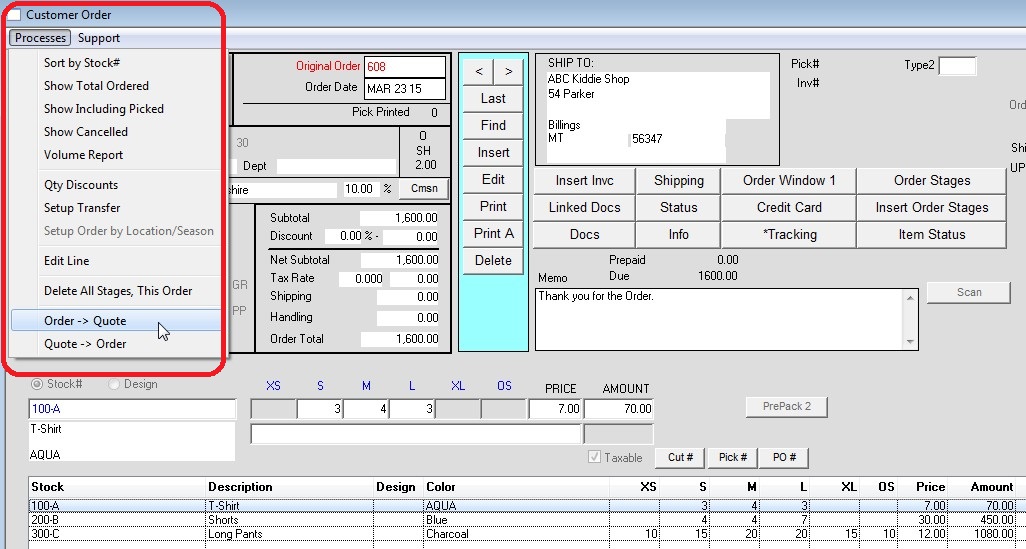
To turn an order into a quote, find the desired order then click:
Processes > Order -> Quote
The order will now display, and print, as a quote.
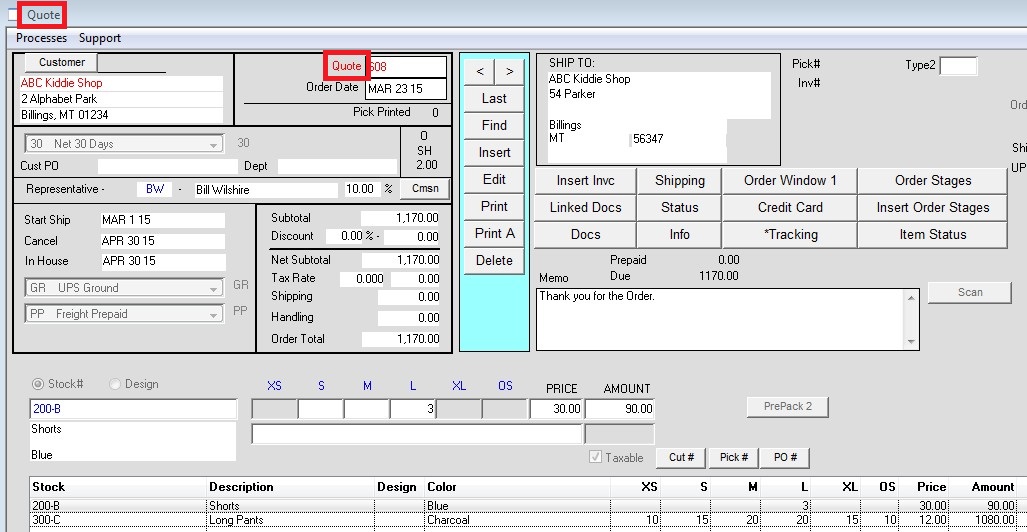
3) To turn the quote back into an order
Processes > Quote -> Order
Created 3/24/2015 – SV