
Confirm a successful upgrade by going to:
File > Library Versions
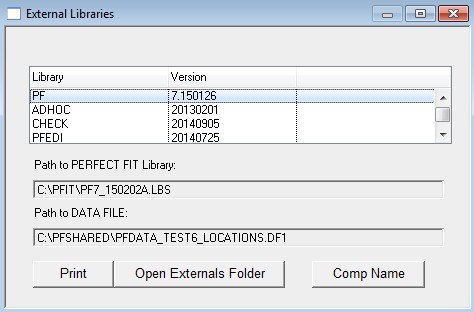
The library file is denoted by a “PF” under the Library column.
If you see the new Library File Version, the upgrade was successful.
If you see a previous Library File Versions, the upgrade was not successful.