
IMPORT and UPDATE customers.
NOTE: Always test in your test database before using your production database. When you are comfortable to use the import tool only insert 1 or 2 records into
your production database. After you thoroughly check your records then you can go ahead an import in larger batches. Don’t do all at once—-small steps.
Tip: Use the SQL Column Lookup (Ctrl/Cmd + F6) to find the columns you are looking to import / update.
Reminder: Some fields need to be set up first (i.e. Customer Terms / cterms_code ).
Menus > Customers > Commands Import Customers.
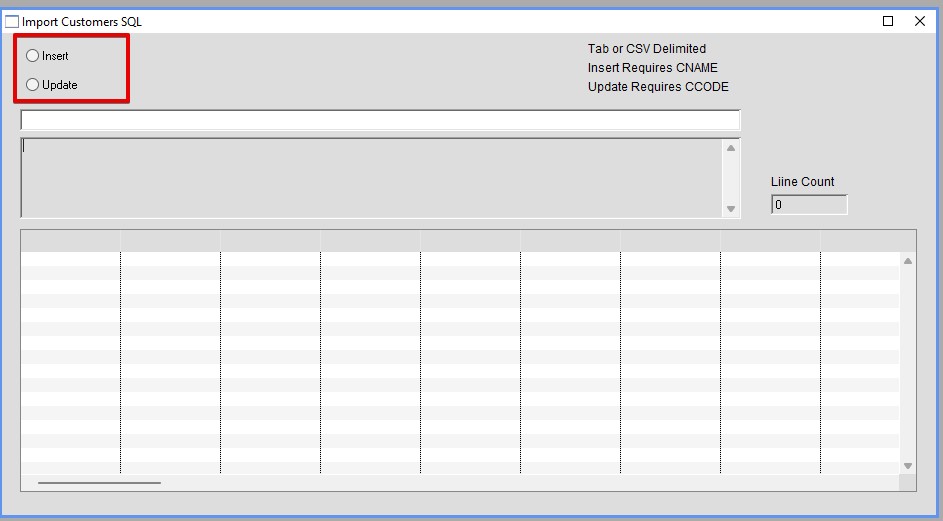
This article will show you how update Customer defaults. Process is similar for Insert.
For Insert you need CNAME
For Update you need CCODE.
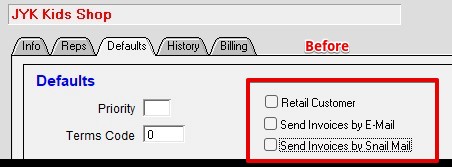
Before
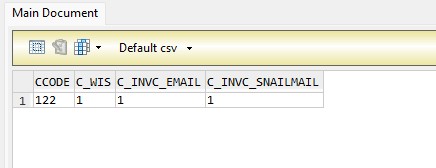
Note: File can be tab or csv. All headers must be UPPER case:
Click on the Inset Radio button. Then click Load List. Find your file and click ok.
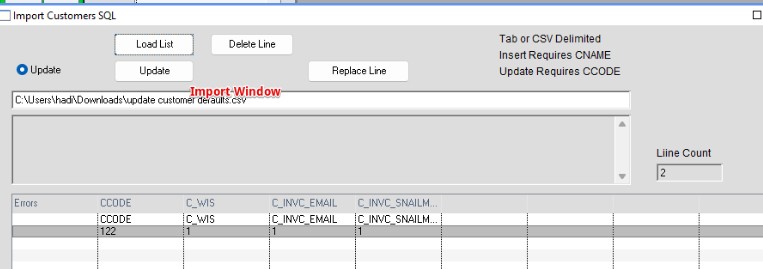
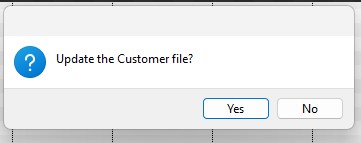
Click Yes.
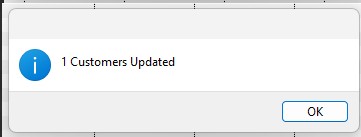
1 Customers Updated. Click OK
Double-click on any line in the customer import window to go directly to that customer and check your data.
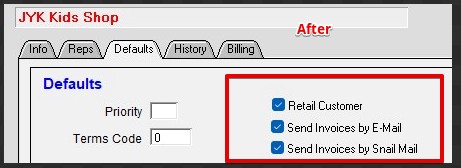
After
Inserted 11/13/26- HS