
Highlight the first contact then click Edit. Change the number in the Order in List field. Lower numbers display higher in the list.
Here, Mike Davis is last in the list by default.
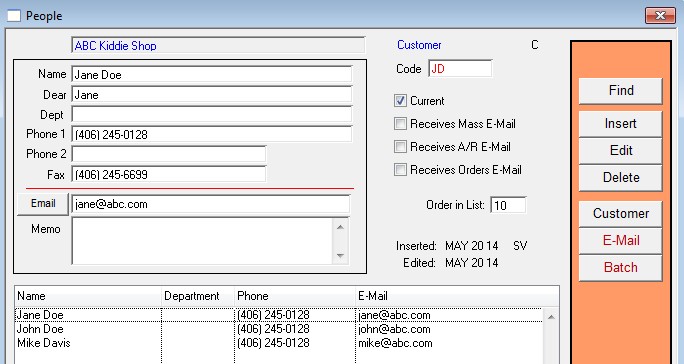
After editing the number in the Order in List field so that Jane is 10, Mike is 20, and John is 30, Mike is now second in the list.

You can also sort contacts by simply clicking the column headers.
Both sorts work in the extended Customers window as well.

To extend the customers window, drag the right edge of the window further to the right.