
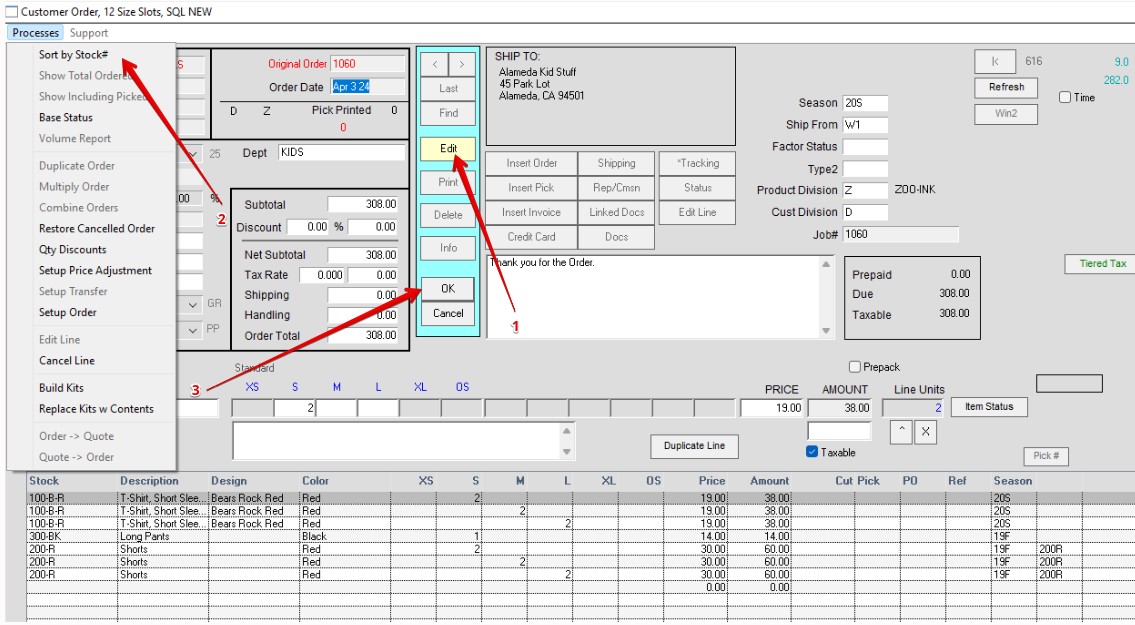
Order window > Edit > Processes > Sort by Stock # > OK
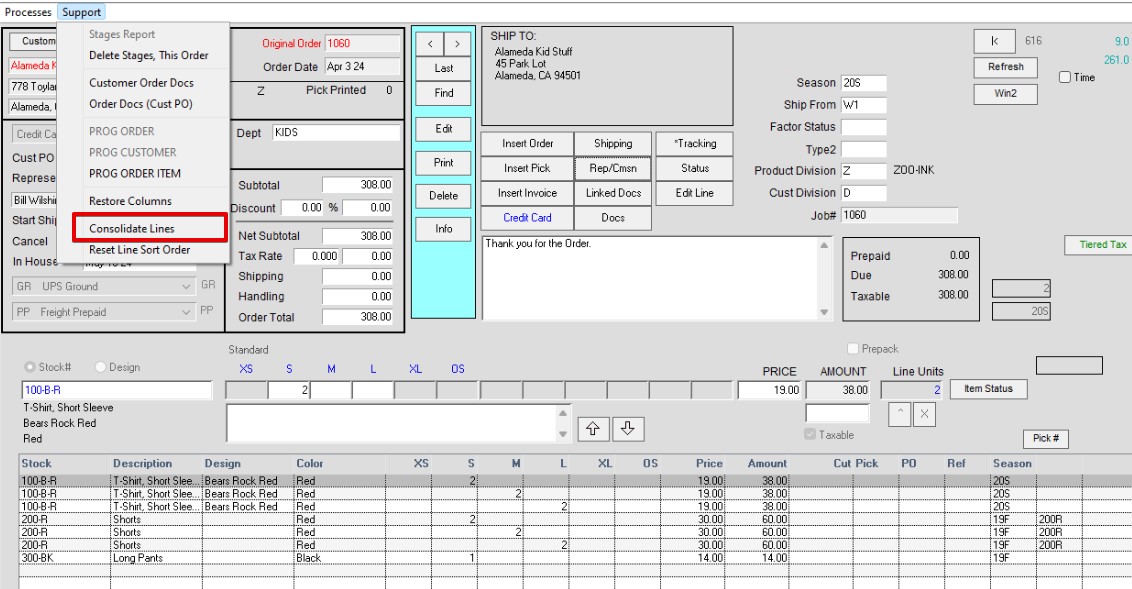
Support>Consolidate Lines
(READ Message. Not Reversable)
Click Yes
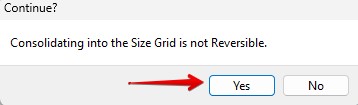
Image of New size grid below. All size have been consolidated on one line by Stock #.

Note: The reason it does not do this automatically is that many customers want their paperwork to show the same sort order as to how the customer ordered.
New 4/03/2023 – HS