
Insert a Pick Ticket for the items to put on consignment.
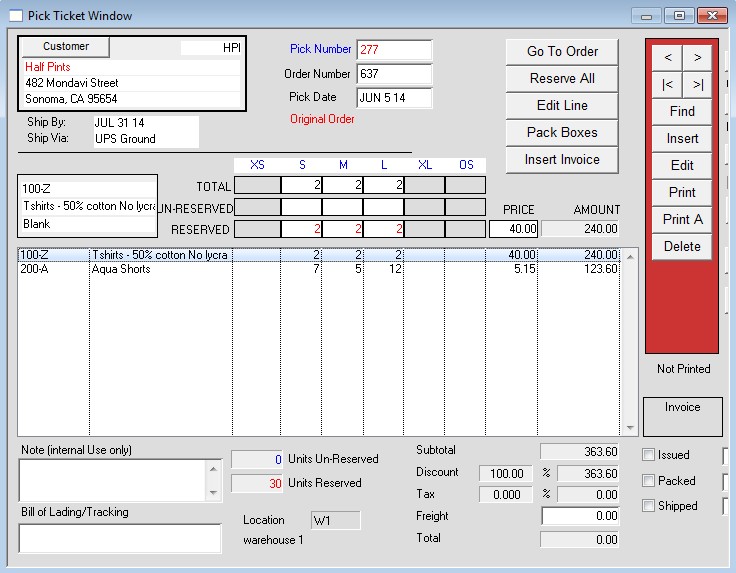
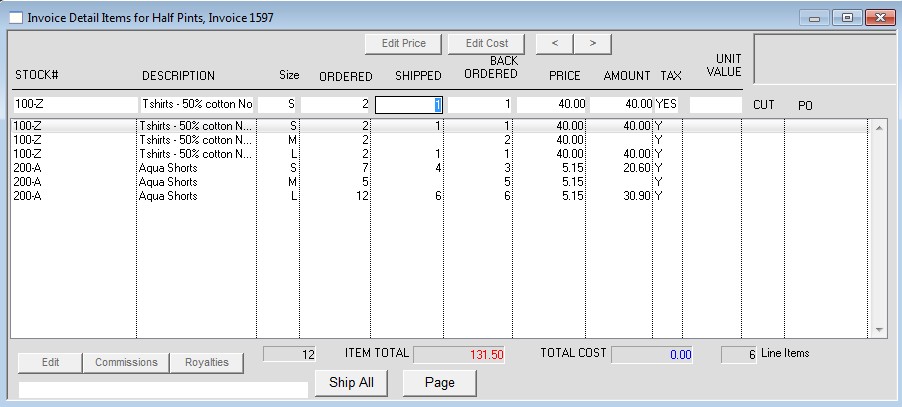
When accounting for a sale: Delete the Pick Ticket. Then Invoice the order, marking only the items that have sold.
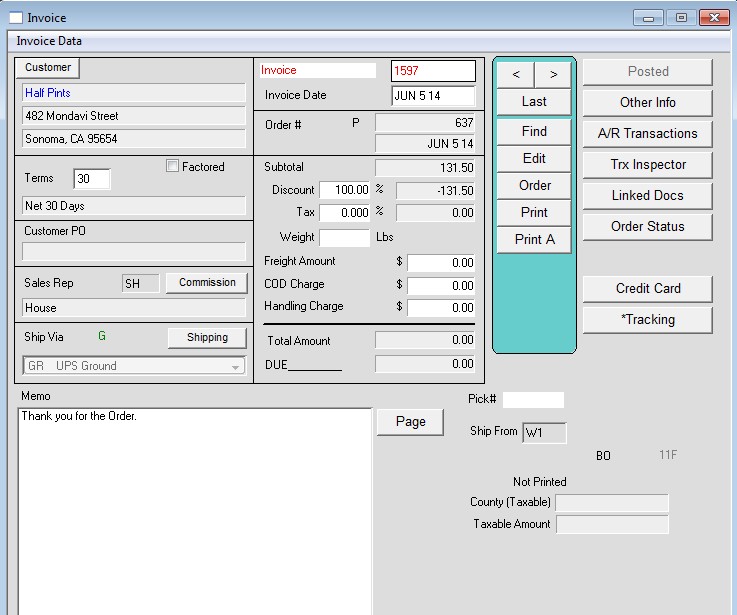
Next, post the invoice.
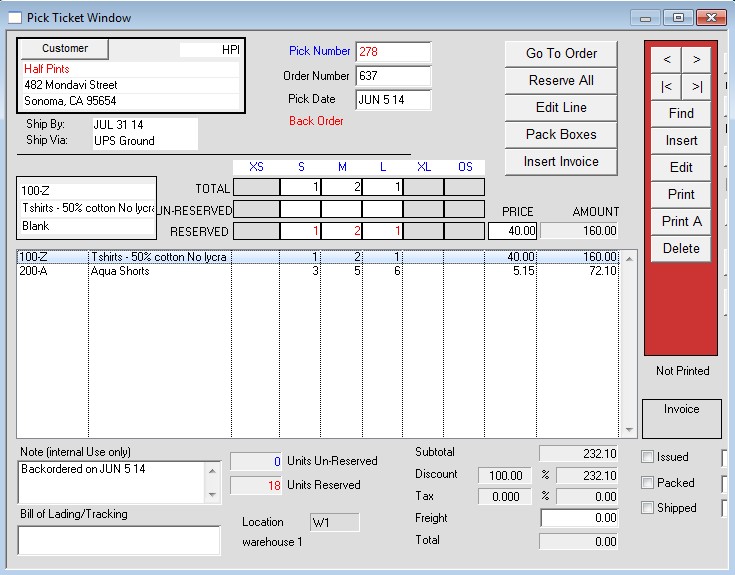
Then go back to the order (which will now show as a “Backorder), and insert a Pick Ticket again. Pick the remaining items on the order.
Note: You must pick the remaining items immediately after posting the invoice! This ensures the items are reserved for the store.
Repeat the above process each time the consigned items are sold.