
Note: This procedure is not reversable.
MenusSQL > Invoices > Commands > …Options > Order Processing > Combine Invoices
Invoices Displayed:
Same Customer
Same Customer PO
Invoice must be Posted.
You can insert a New Invoice Number or Use the First Invoice Number in the Group you have selected
Select the invoices you want to combine Ctrl/Cmd click with your mouse or Ctrl/Cmd click with your Up/Down Arrow.
Click OK
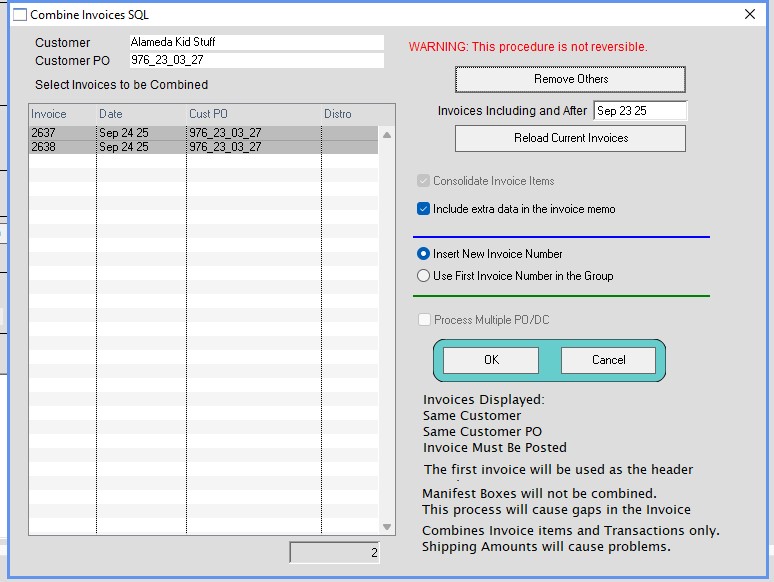
Click Ok if you want to proceed
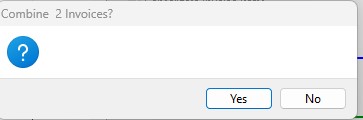
Click Ok
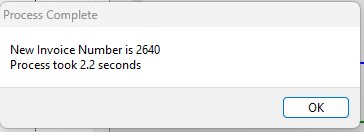
Your new invoice number will open. The combined invoice numbers will appear in the Memo section.

Inserted 09/24/2025-HS