

The Color Master is a window where you can insert Colors by assigning a Code and Description that can then be assigned to any inventory item by entering the Color Code into the Color field on the Inventory Stylemaster while Inserting a new item. You can also assign additional Description, Category (any way you want to use this), NRF(National Retail Federation) Code, and link to a Color Swatch.
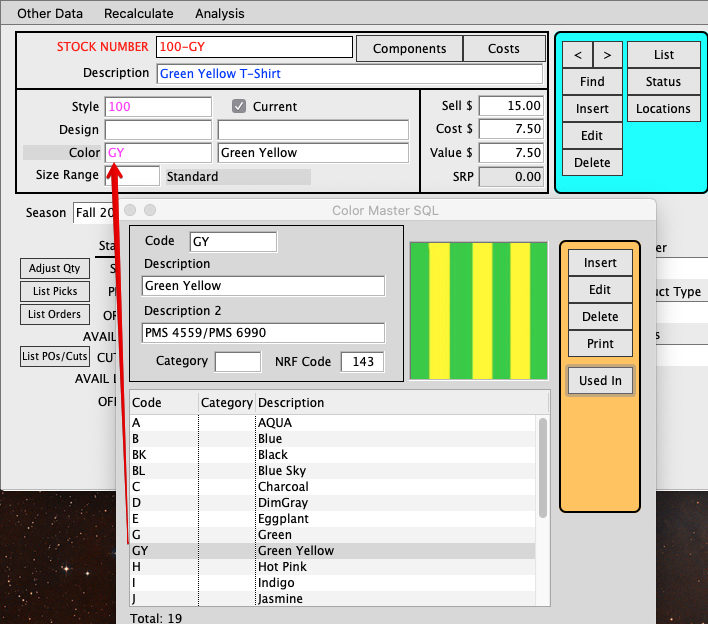
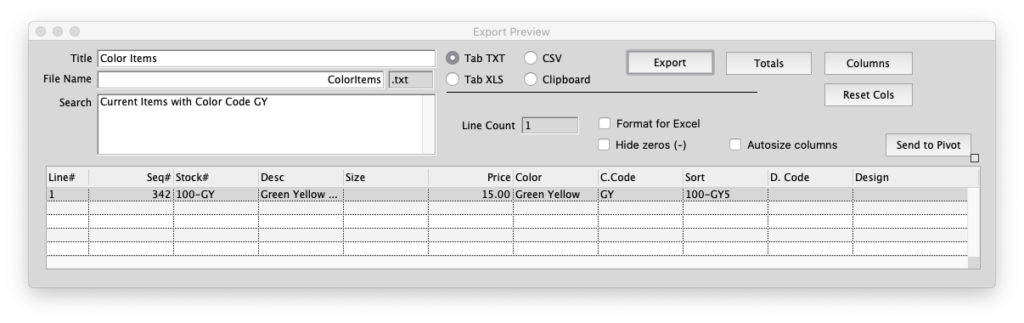
The Used In button will open an Export Preview Report that will show you which Inventory Items use the selected color.
Click here for instructions to link Color Swatches to Colors in the Color Master.
Enforce Inventory Items to use the Color Master codes and names:
Maintenance > Preferences > Inventory > Windows tabframe > #4, Enforce Valid Color Codes
Change Color Codes:
On a Finished Goods Inventory item you can edit the Color code if the item has not been used on an order or purchase Order.
If the Color name has been changed in the Color Master you can update all Inventory Items under
Maintenance > PROG > Procedures > Inventory > SQL Update IV_COLOR_DESC
Change Color Names on the main Inventory window:
If Preference #4 is not checked you can Edit the color name on the window.
If Preference #4 is checked you can do an Import for Update, Commands > Build Styles > Import Inventory Products.
Edit by AG on 10/12/2026