
This technique will force proper accounting and inventory reconciliation.
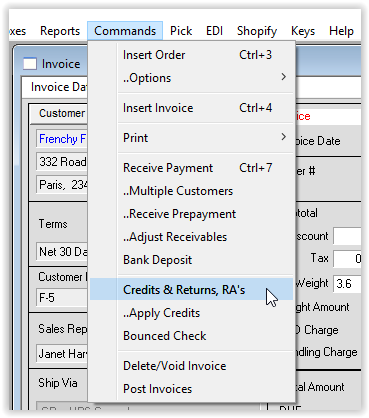
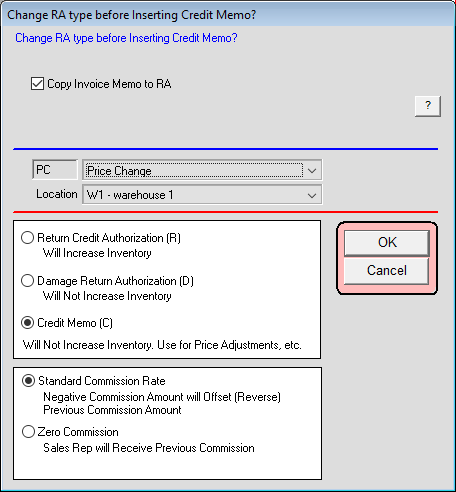
1. Insert Credit Memo; Select Credit Memo (Does not adjust Inventory), Setup RA lines from Invoice.
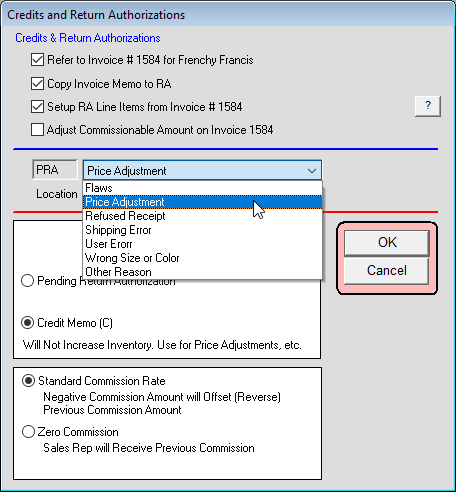
2. Select first three checkboxes, choose an appropriate reason and Select “Credit Memo (C)… Then click OK
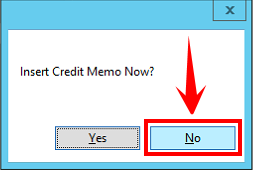
3. Save the Credit Authorization, but do NOT insert the Credit memo.
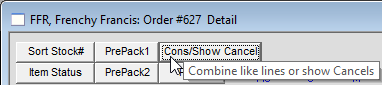
4. Consolidate lines if you want.
5. Open the Order window 1 if that is not your default.
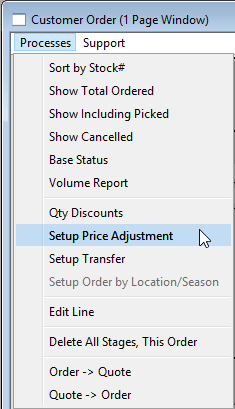
6. From within Order window 1 select: Processes menu > Setup Price Adjustment
7. Edit – Change prices as needed on the lines that are positive numbers.
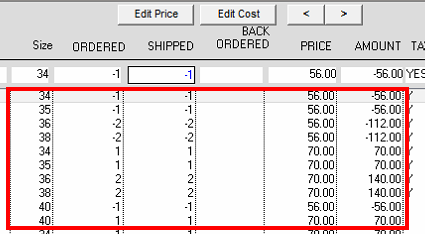
8. Click OK
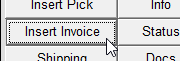
9. Insert the Credit Memo/Invoice.
10. Confirm entry.
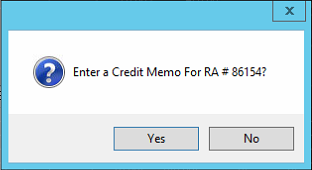
11. Click OK
last revised 9/15/17 GE