
To bounce a customer’s check that was applied directly to an invoice:
Pull up the customer then go to Commands > Bounced Check.
|
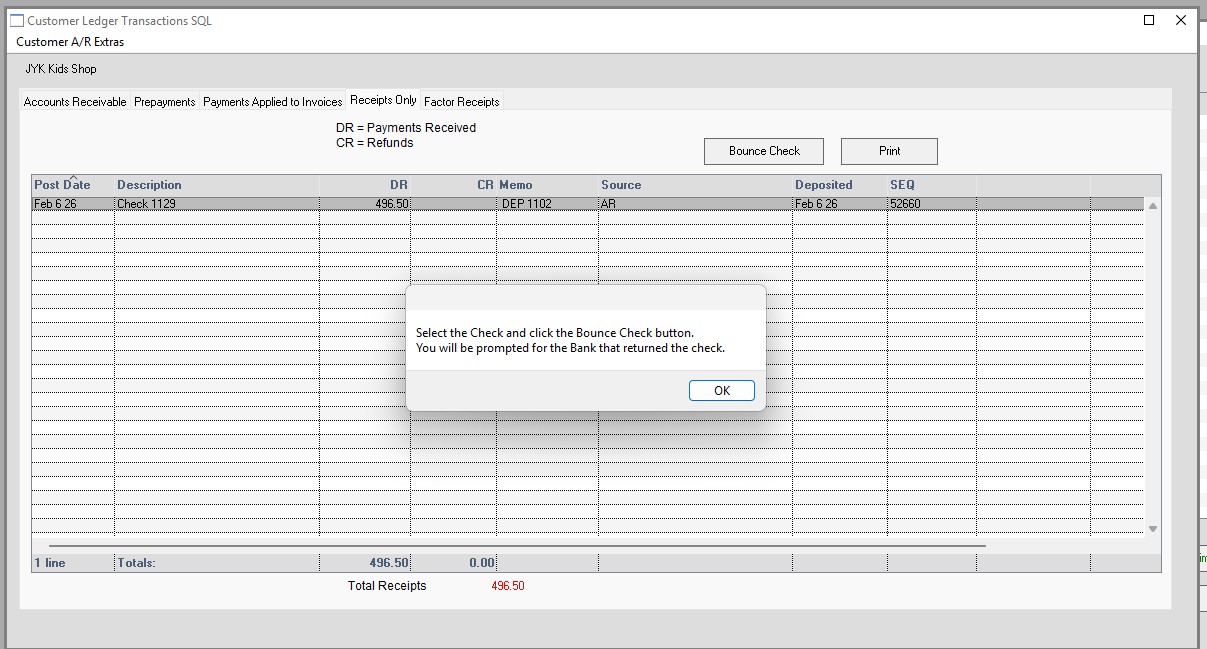
Message: Select the check and click the bounce check button.
You will be prompted for the bank at that returned the check.
|
Click OK
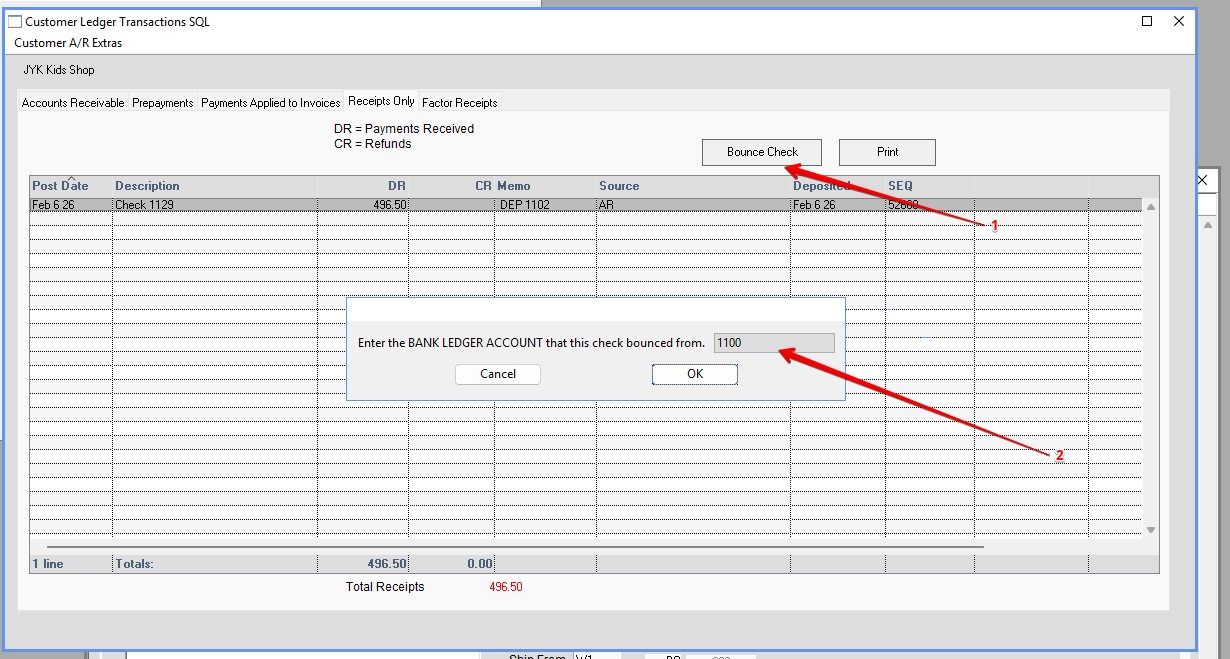
Click Bounce check
Enter the bank LEDGER ACCOUNT that the check bounced from.
Click OK.
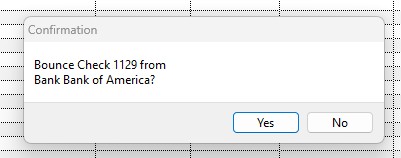
Click Yes
Click OK
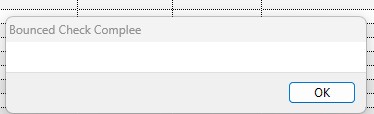
Bank balance and invoices will be updated.
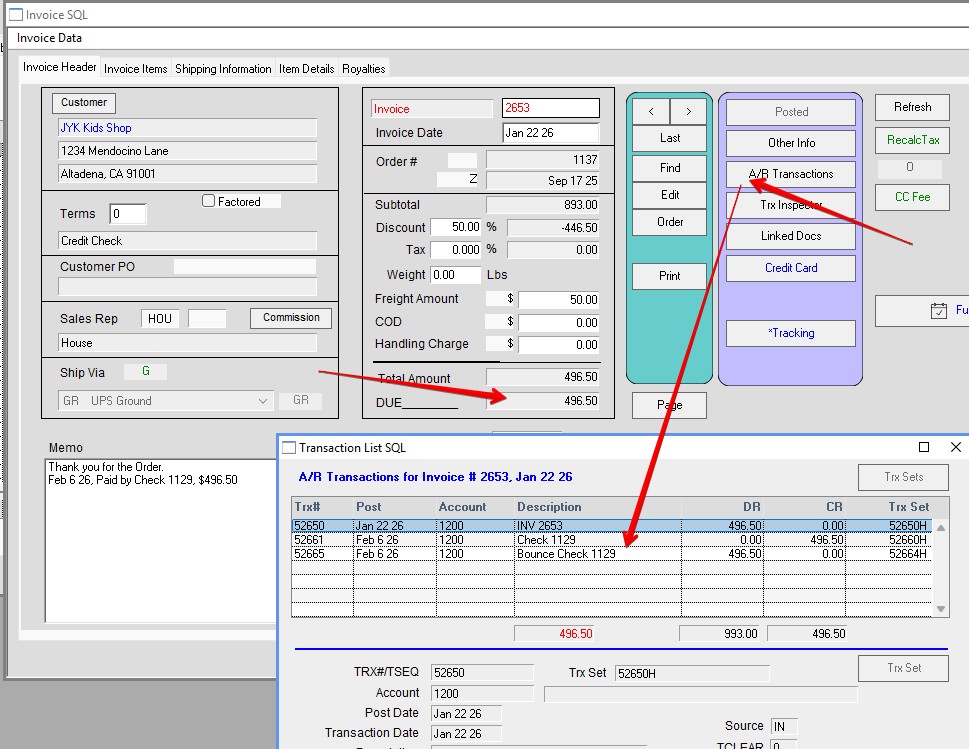
Inserted 02/06/2026-HS