
Batch Delete Inventory, Batch Delete Stock Numbers.
You can remove from the system stock numbers that have never been used (no orders, invoices, PO’s, etc.)
This process is extensive and can take some time so please start in smaller batches.
MenusSQL > Inventory Finished Goods > Commands > Build Styles > Batch Delete Stock Numbers.
Click the lines to select items to delete.
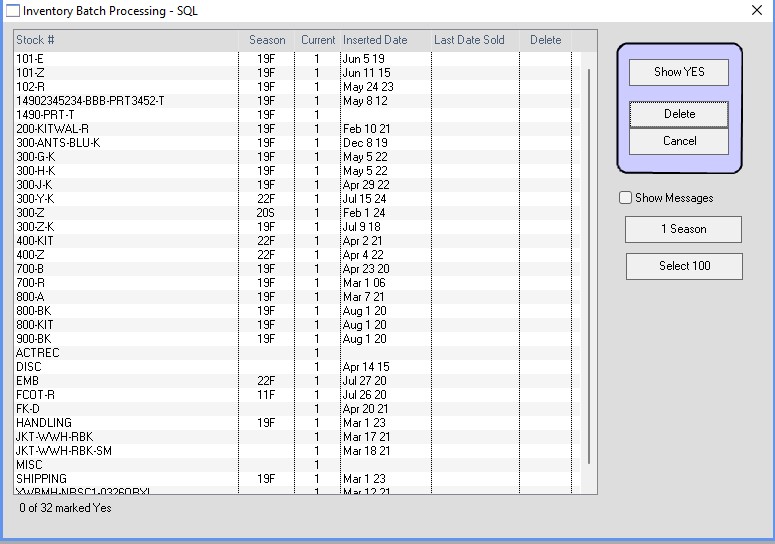
You can select many lines at once by holding down the down arrow key on the keyboard.
Revised: 05/09/25 – HS