
To run a Bank Reconciliation Report, go to Checks > Reports and check Reconciliation and choose your date range.
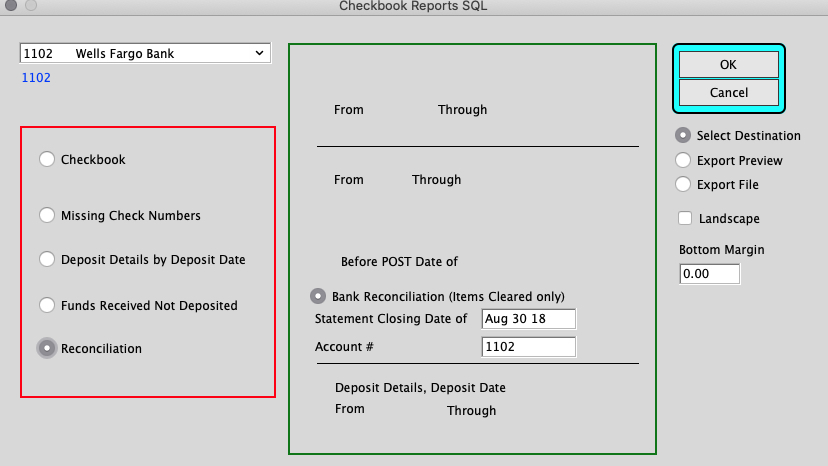
The report will return a list of Checks and Charges as well as a list of Deposits and Bank Credits with the Net Effect Total.
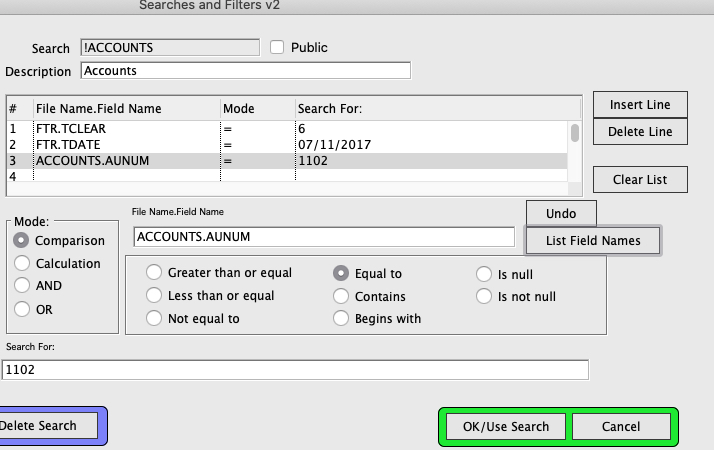
You can also go to Ledger > TRX_Reports > Audit Trail Report with the Custom Search as below:
TCLEAR = 6
TD_DATE = Date of Reconciliation Closing date
AUNUM = GL Number for desired Bank Account
Example:
Inserted 3/27/20 by SH