
To apply a Vendor prepayment to an open bill:
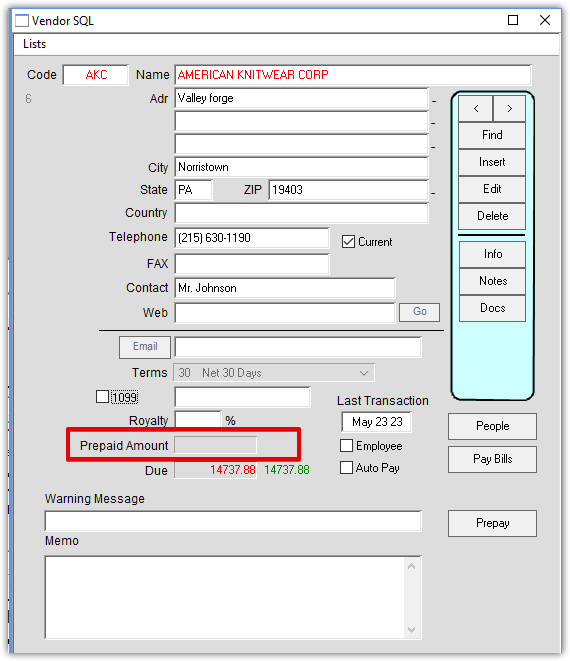
Find Vendor and click on Lists, the click open Bills. Open prepayment amount at bottom of
Vendor window:

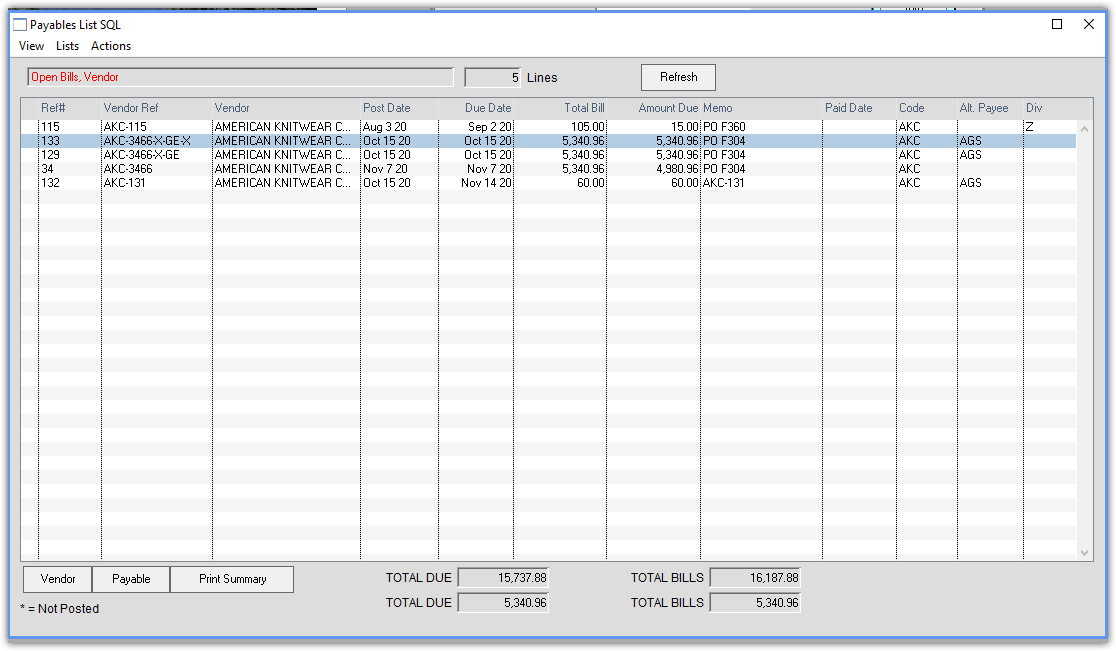
Double click on the payable you want to adjust:
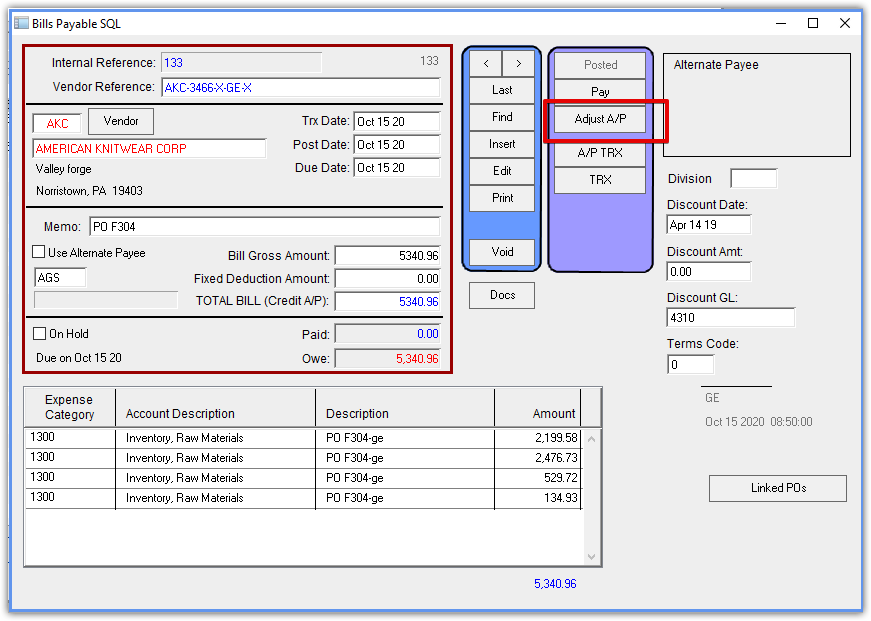
Click the Adjust A/P button:
Enter the prepayment amount in the Credit Amount field.
Enter the Vendor Prepayment account number in the Offset Account field.
(The default Vendor Prepayment account number is 1260)
Enter the prepayment amount in the Applied field on the right.
Note: If multiple lines are visible, make sure to enter the Applied amount on the correct line.
Press OK.

The Prepayment is now applied (zero open), and you can see it in the main vendor window.
Edited 5/22/2023 – HS