
If you receive the following error during startup it is likely due to either a corrupt library file or corrupt Omnis Studio file. Note that your data is safe and is not affected.
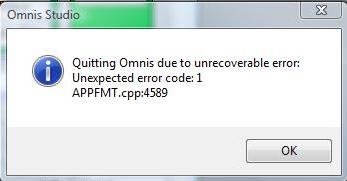
To fix this error you will need to reinstall your library file. If that doesn’t fix the problem then you will have to reinstall your Omnis Studio file as well. The following page contains directions for installing your library and Omnis Studio file. Make sure to only follow the instructions in the sections for the library file (Part 3) and Omnis Studio file (Part 2).