
To adjust the distribution of sizes on a PO, do the following:
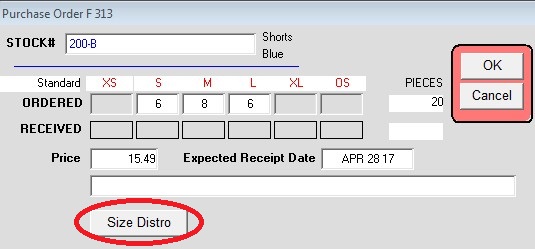
- Select a line item then click the Edit Line Items button
- Click the Size Distro button
- In the PO Size Distribution window enter the Total Units to Buy, and the desired quantities in the Target Size Distro section
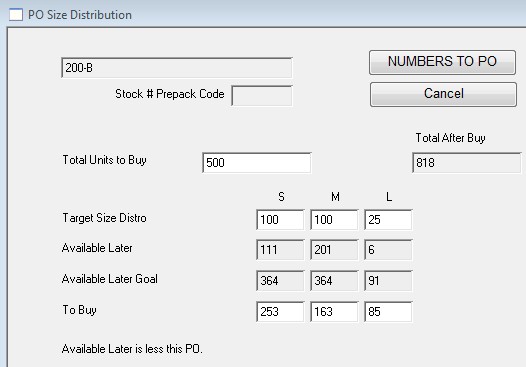
- When done, click the NUMBERS TO PO button. That will take you back to the previous window and the quantities will be distributes as per the amounts you entered in Step 3.